A member directory that fills itself.
Your members download ChurchPlan, create their own profiles, and add their families. What lands in your admin is a clean, living directory — every record labeled with where it came from, every member with their whole history attached. The office types nothing.
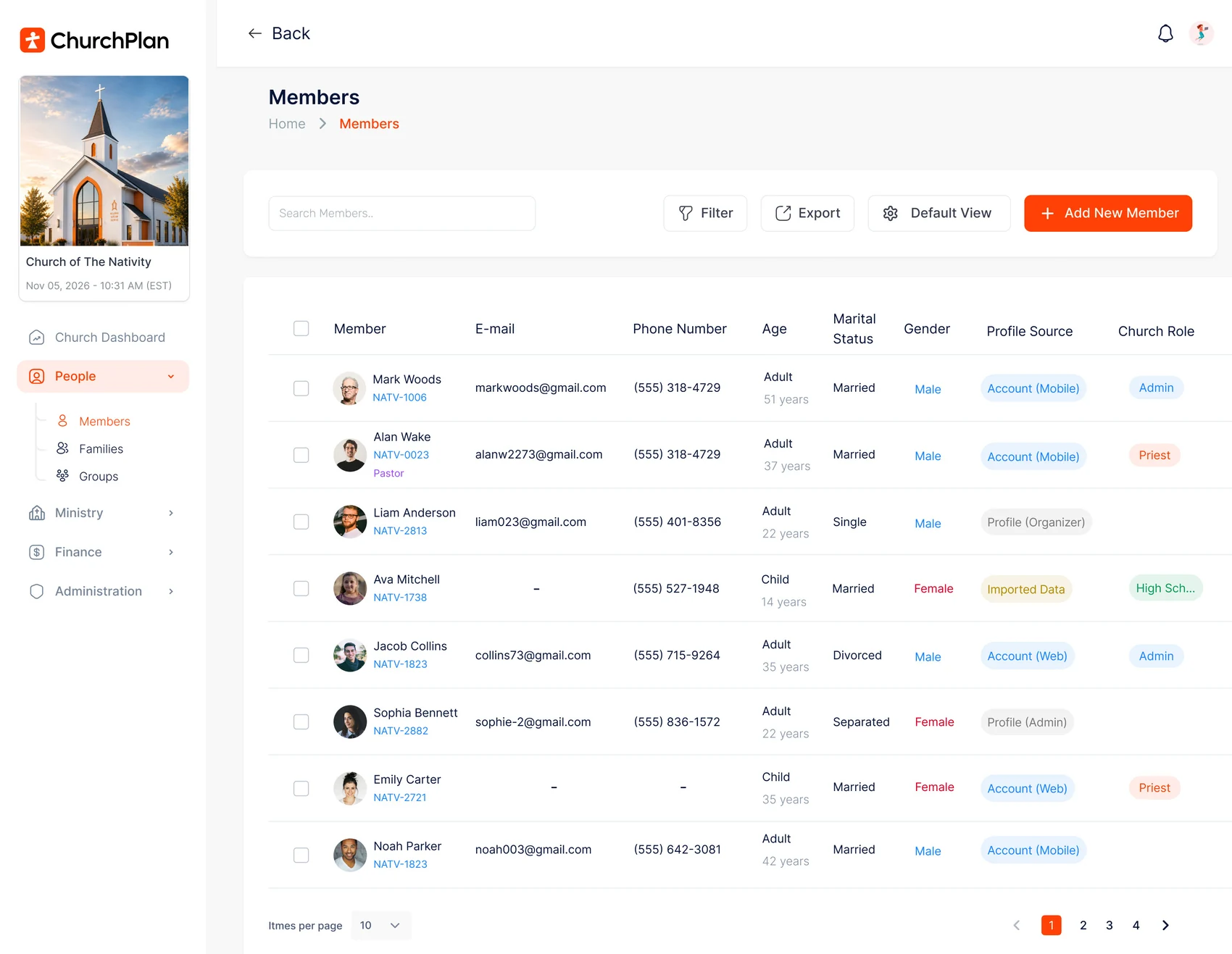
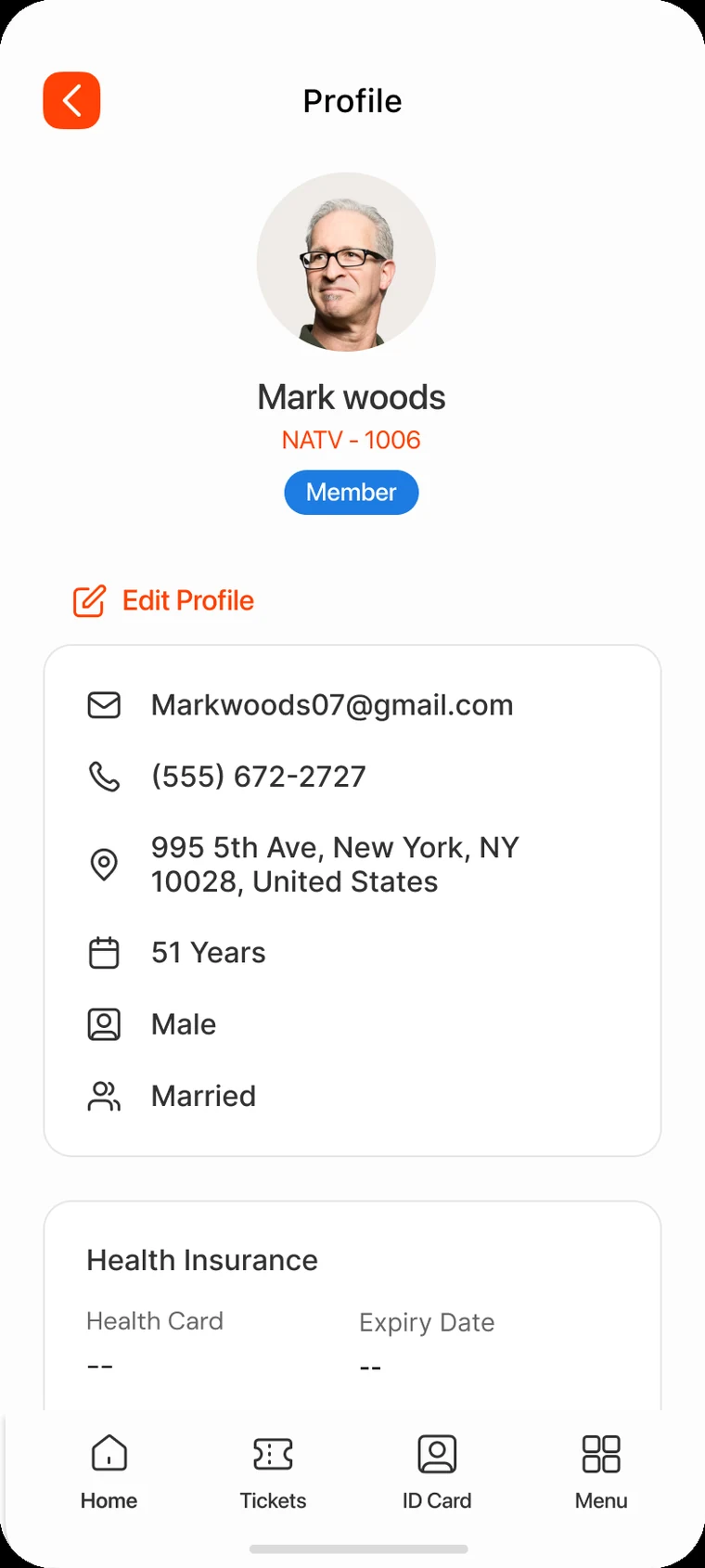
From "Login or Signup" to a 360° member record — without a single spreadsheet.
Legacy directories are data-entry projects that go stale by Easter. On ChurchPlan, the member does the entering, the family does the growing, and the record does the living.
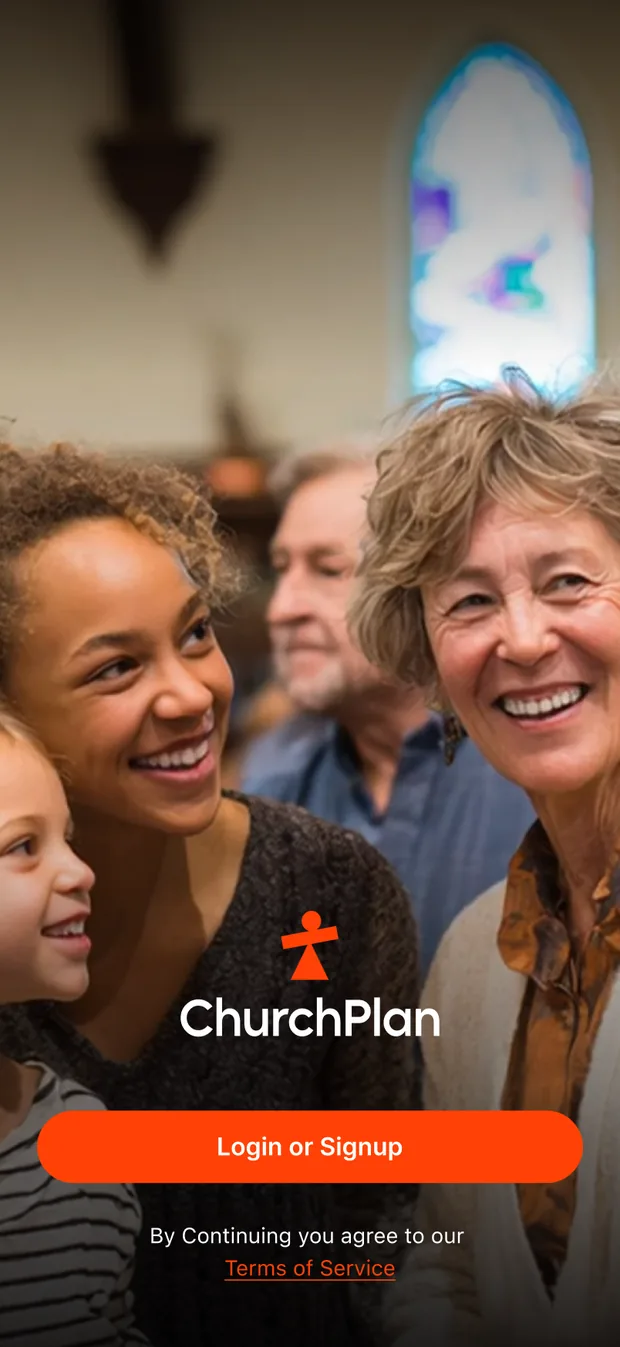
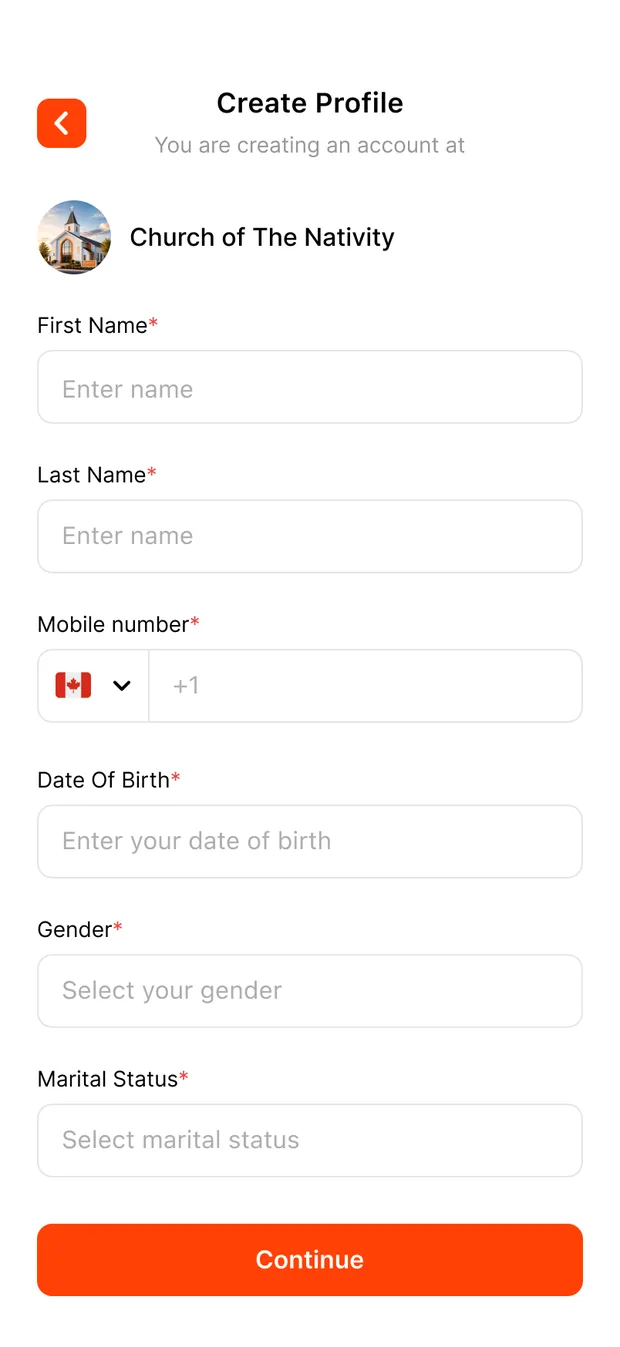
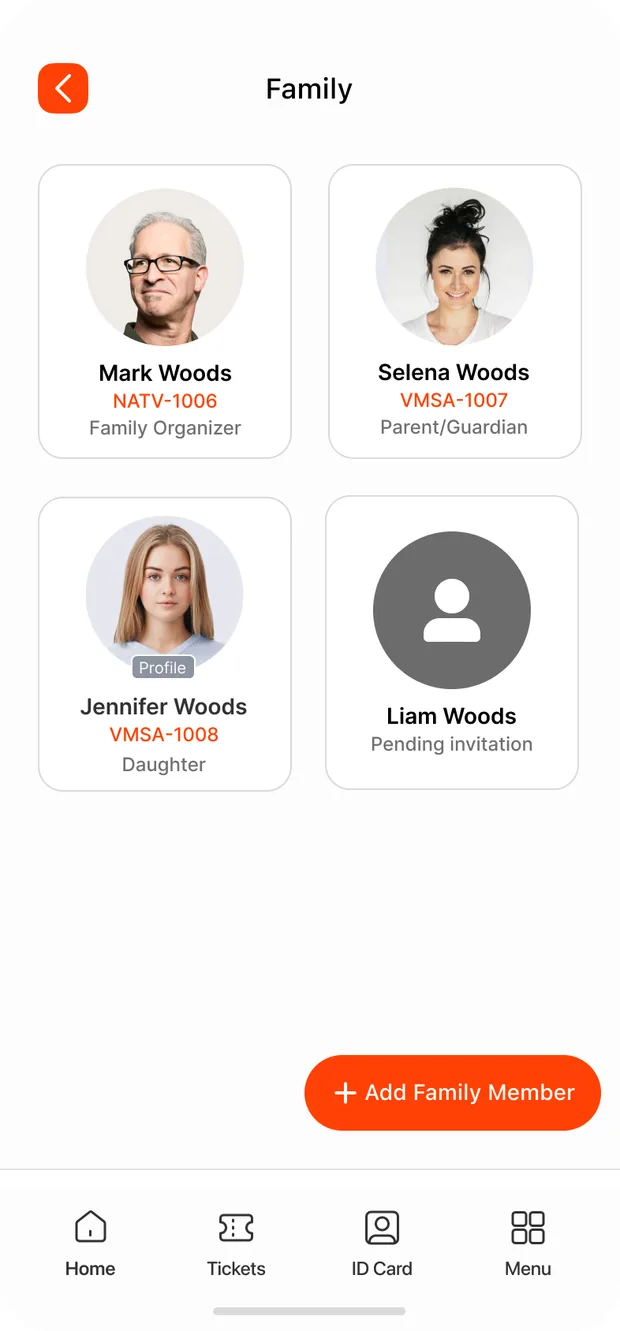
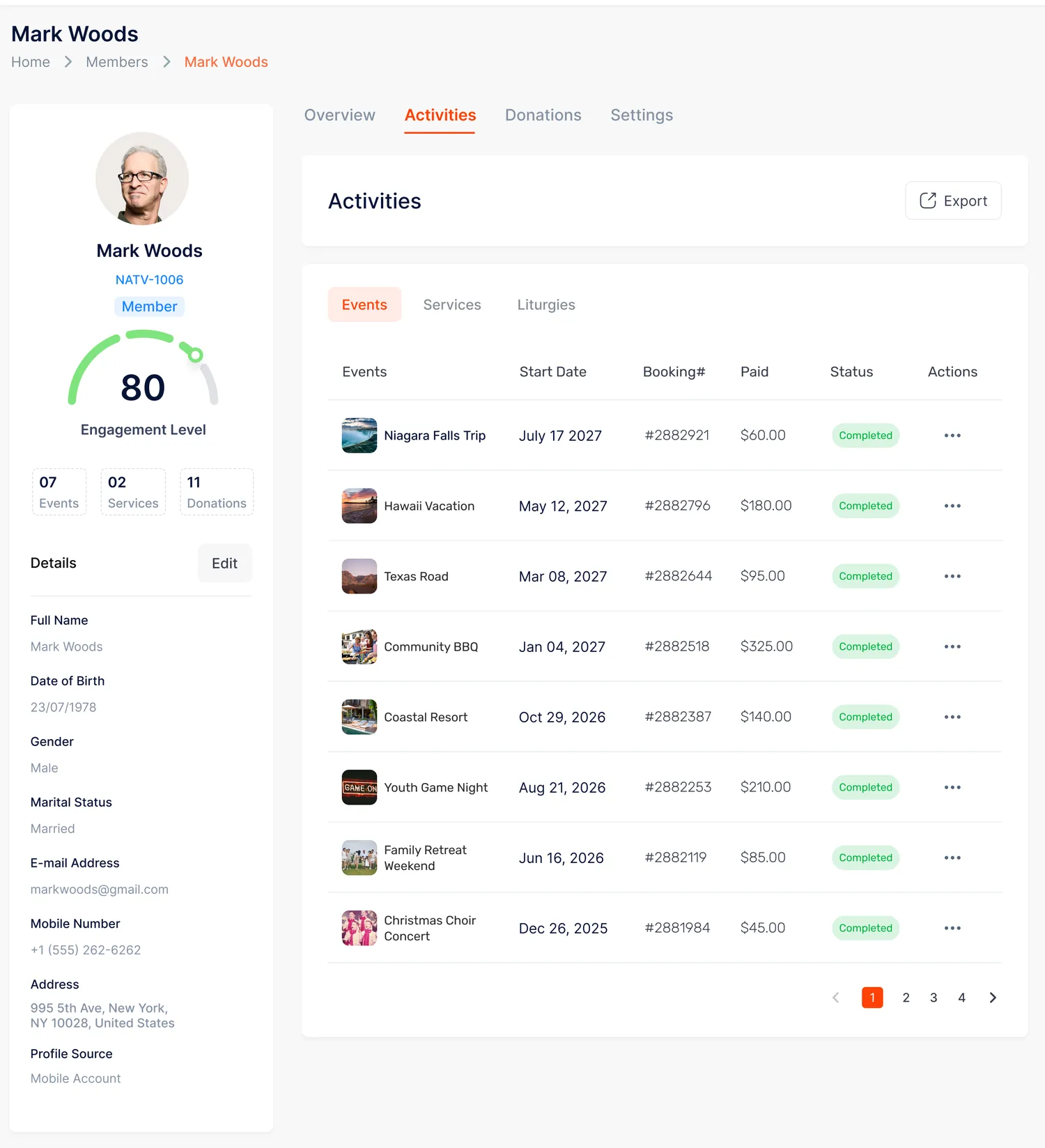
Legacy directories are typed by staff and stale by Easter. ChurchPlan's directory is alive.
A legacy people database is maintained by the office. ChurchPlan's is maintained by the parish — through the native app they already use for events, liturgies, and giving — while every record carries a label saying exactly where it came from.
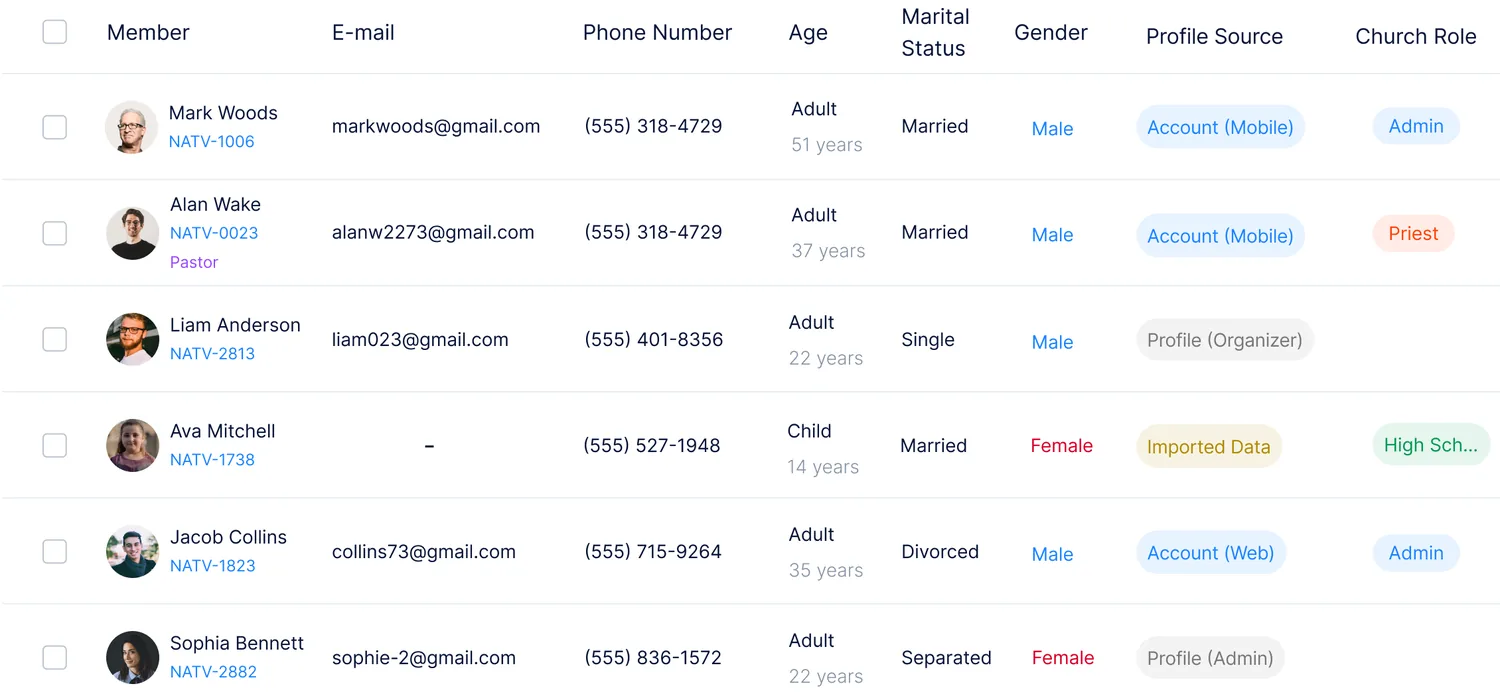
Provenance on every record. Account (Mobile), Account (Web), Profile (Organizer), Profile (Admin), Imported Data — you always know which records members own and which the office still carries.
Imports and profiles become accounts. When a member claims the profile the office made for them, the record and its history become theirs — one person, one record, no duplicates drifting apart.
Not a contact card. The whole person.
Open Mark Woods and you don't get a phone number — you get a Member 360 view: a family, a history, a health file, every activity he's touched, and an Engagement Score that tells you at a glance whether he's drifting.
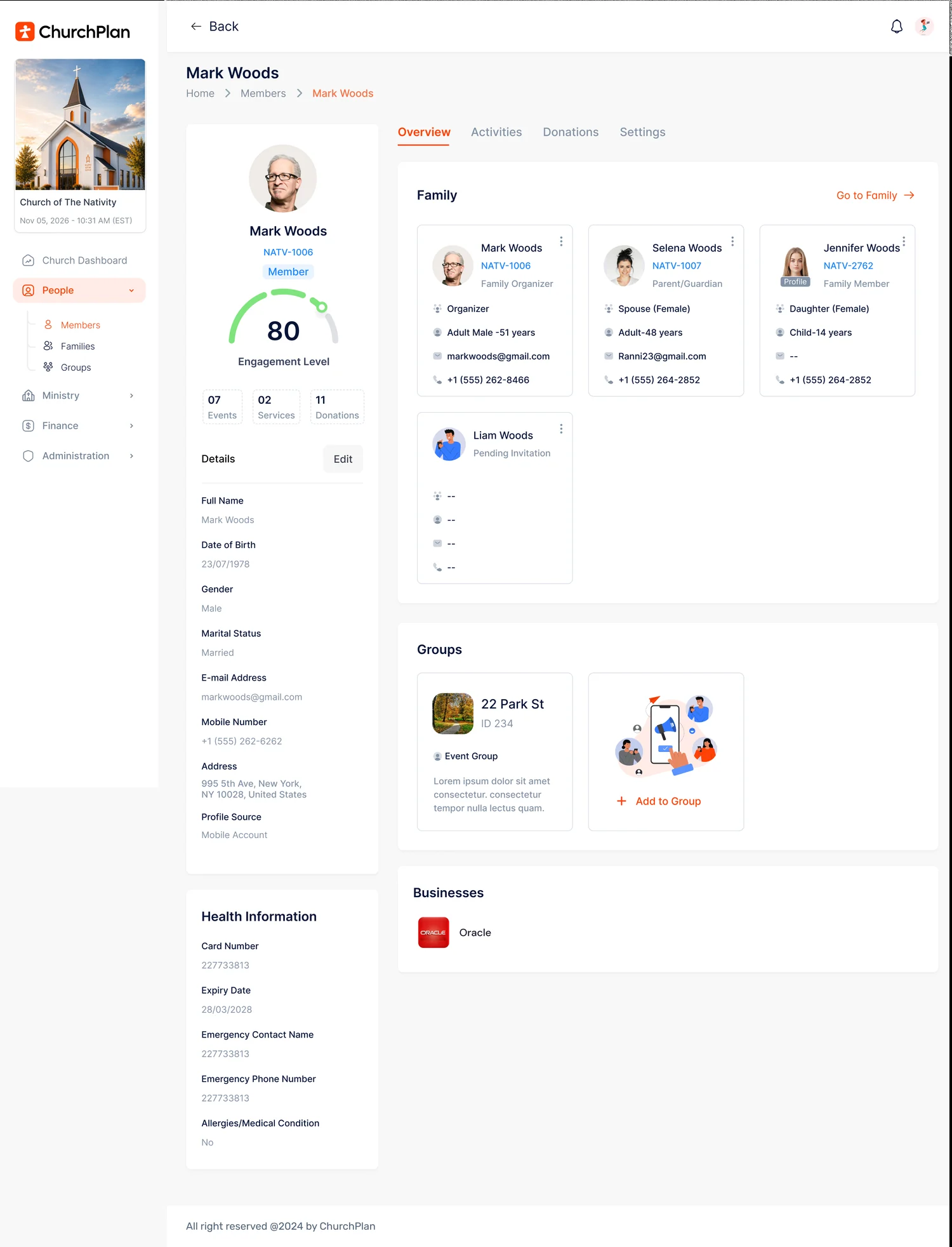
One Member 360 view. Overview, Activities, Donations and Settings on a single record — every event, service and gift Mark has taken part in, rolled up into one Engagement Score so you can see how connected he is to the church.
Engagement level, at a glance. Mark is an 80 — 07 events, 02 services, 11 donations. When a family's number slides, you find out before the empty pew does.
The family, on the record. Organizer, spouse, kids, pending invitations — with one click through to each of them.
Health & emergency info where it matters. Card numbers, emergency contacts, allergies — the same file your event supervisors rely on for the Niagara trip.
Roles that mean something. Admin, Priest, Pastor, ministry roles — permissions in the same place as people, not in a separate settings maze.
From this record to their doorstep.
The same living record powers outreach. Priests and admins search any member in seconds, open the whole person — contact, family, health notes — then call, text, or email in one tap. And when it's time to visit, the address becomes turn-by-turn directions to their door. On Mobile and the Admin Portal.
Families, not just rows
Every household has an organizer, invitations for the grown-ups, and profiles for the kids — so a 14-year-old exists in your directory without needing an email address.
One record per person
Imported spreadsheets and office-created profiles don't breed duplicates — when the member shows up in the app, their record and its history come with them.
Roles & permissions built in
Priests, pastors, admins, and ministry leads live in the same directory as everyone else — with the access their role implies, and nothing more.
Their record, in their hands.
A directory the parish maintains is also a directory the parish trusts. Members see and edit their own information — and your church stays on the right side of privacy law in every country you serve.
Self-serve editing — moved house? New number? Members fix it themselves, and the admin is current by Sunday.
Optional means optional — health cards and emergency details are there for the families who want them on file for trips and camps.
Invitations, not conscription — adults join a family by accepting an invite, never by being typed in without knowing.
PIPEDA · GDPR · CCPA · AU & NZ Privacy Acts — compliance built for churches across North America, the UK & EU, Australia, and New Zealand.
Retire the spreadsheet this Sunday.
Import what you have, invite your parish, and watch the directory come alive — with no per-member fees, no matter how much your church grows.